Speaking your AI prompts out loud produces better output than typing them, and the reason has nothing to do with the AI. When you type a prompt you write about four lines and stop, because typing is work. When you say the same request out loud you talk for two minutes and hand over every detail you would have skipped: what you want, who it is for, what you cannot stand, what you already tried, what the finished thing looks like.
Same amount of your time. Roughly five times the instruction. Voice prompting means using dictation software to speak into the message box of whatever AI you already use, instead of typing into it. Setup takes about five minutes and works with Claude, ChatGPT, Gemini or Copilot, because the dictation tool sits on top of your operating system rather than inside any one app.
Below: why the gap is so wide, the same request written both ways so you can see the difference, how to set it up, and the two places dictation will bite you.
The short version
- Typed prompts are short because typing is effort. You stop at four lines and the AI fills the gaps with generic assumptions.
- Spoken prompts are long because talking is cheap. Two minutes of speech is roughly 300 words of context you would never have typed.
- Say what you do not want. Negative constraints are the single most valuable thing people leave out, and they come out naturally in speech.
- Use a system-wide dictation tool, not the one inside the app. It keeps running when you switch windows, so you can grab a detail from your calendar mid-prompt and come back.
- Always read it back before you send. Dictation mangles names, numbers and prices, and an AI will act confidently on a wrong figure.
Why typed prompts come out short
Typing has a cost, and your brain quietly prices it in. Every extra clause is more keystrokes, so you compress. You write the request and drop the context, because the context feels like preamble.
The context was the valuable part. An AI given four lines has to guess at tone, audience, format, length and what you would hate. It guesses the average, which is why the output reads like it was written for anybody.
Speech has almost no cost. Two minutes of talking is around 300 words, and you produce them without deciding to. The detail arrives because you are explaining rather than composing.
The same voice prompting request, typed and spoken
This is from my own week, building a sales page for a new offer.
Typed: “Write me a landing page for my new offer.”
Spoken: “I need a landing page for a new offer I’m launching. It’s for women entrepreneurs who are already using AI but haven’t gotten any actual time back from it. I want it warm, no hype, nothing salesy. I hate when a page opens with a question. Put the price near the bottom. There needs to be a form that collects name and email and sends them a confirmation. Match the tone of my last sales page.”

Eleven words against ninety. The spoken version carries an audience, a tone, two things I dislike, a layout instruction, a functional requirement and a style reference. I would not have typed a single one of those. They came out because I was talking.
Notice how much of it is negative. “No hype.” “Nothing salesy.” “I hate when a page opens with a question.” Telling an AI what to avoid narrows the output faster than telling it what you want, and almost nobody types that part.
How to set up voice prompting in five minutes
- Install a system-wide dictation tool. I use Wispr Flow, which runs on Mac, Windows, iPhone and Android. Your computer’s built-in dictation works too and costs nothing, so start there if you would rather test the habit before paying for anything.
- Open your AI and click into the message box. Start dictation there rather than composing somewhere else and pasting.
- Talk it through like you are explaining it to a friend who is about to go do it for you. Say the messy parts. Say what you already tried. Say what you do not want.
- Read it back before you send. Fix any name, number, price or product that came out wrong.
- Send it. Do not tidy the grammar. The AI does not need your sentences to be pretty, and cleaning them up is where the extra detail gets deleted.
Step four is the one people skip, and it is the one that matters. Dictation reliably mishears proper nouns and figures. An AI handed “twenty nine ninety seven” as “2,997” is fine; handed it as “29.97” it will build you a page selling a $2,997 program for thirty dollars and never once flag that something looks odd.
Where this fits in a working week
The requests worth speaking are the ones you keep postponing because writing them out feels like too much. Setting up a new system. Explaining a workflow end to end. Anything where the instructions live in your head and have never once been written down.
Dictation is also how most of my AI inbox manager got specified, because describing how I want replies drafted is a talking job, not a typing job. The same is true of anything you would normally hand to a person. Prompts that begin life as speech are simply closer to how you would brief a human assistant, which is the correct mental model for the whole thing.
If you want a worked example of a long, specific prompt written out in full, the workspace audit prompt is one I use verbatim, and it is far longer than anything I would have typed from scratch.
Questions women entrepreneurs are asking about this
Do I need to pay for a dictation tool?
No. Mac, Windows, iPhone and Android all include dictation, and it is good enough to test whether the habit changes your output. Paid tools like Wispr Flow are better at punctuation and at staying active while you switch between applications, which is the feature that actually matters in daily use. Prove the habit first, then decide.
Does speaking my prompts make the AI output sound more like me?
Somewhat, though not for the reason people expect. The AI does not hear your voice. A spoken prompt simply contains more of your real preferences and phrasing, so the model has more of your style to work from. If you want output that genuinely matches your writing, give it samples of your writing as well.
Is it a problem if my dictated prompt is rambling and full of filler?
No. Modern models handle disorganised input well and will work from a messy brief that contains real detail far better than a tidy brief that contains none. Resist the urge to clean it up, because tidying is where the useful specifics get cut.
Can I use voice prompting on my phone while walking?
Yes, and it is one of the better uses of it. Walking tends to produce more complete explanations than sitting at a desk. The one caution is the read-back step: check the transcription before sending, because reviewing on a phone screen is easier to skip.
What kind of request benefits most from being spoken?
Anything with a lot of unstated context: your processes, your preferences, your clients, your history with a problem. Short factual questions gain nothing. The rule of thumb is that if you would need to explain background to a new assistant, speak it.
Want AI employees that already know all this context?
Better prompts are a workaround for a system that does not know your business. The AI Employee Build-Out is four private sessions where we write down how your business actually runs, then build your first AI employees on top of it, so the context is permanent instead of re-explained every time you open a chat.
It starts with a free thirty-minute call. Tell me what is draining your time and energy that you’d love to get off your plate and I will tell you honestly what I would build first.
Or start with Insider Secrets, every Friday, one usable thing per issue.
ABOUT MARYBETH WELTY
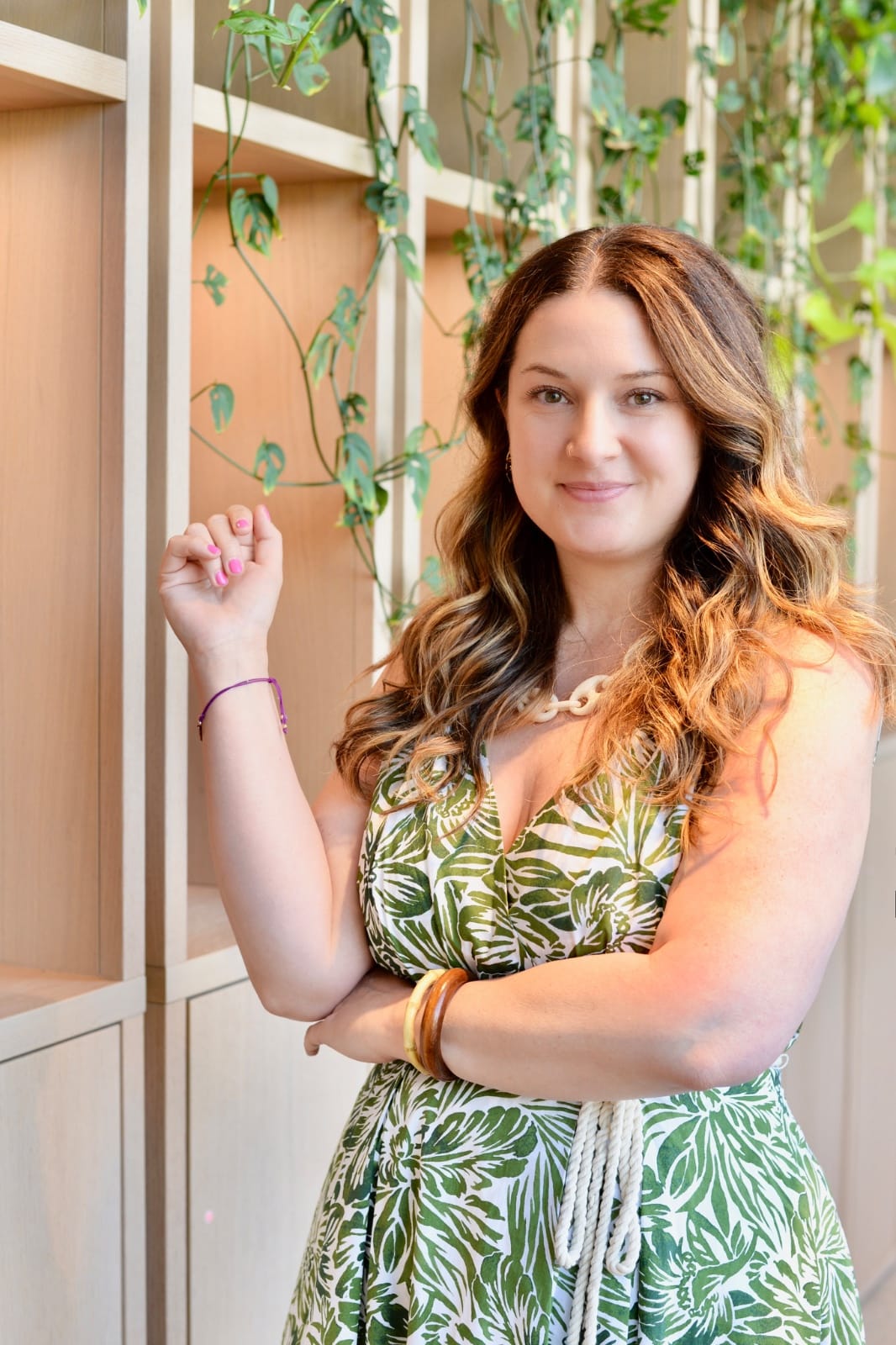
Marybeth Welty is a business coach, systems strategist, and founder of Women Entrepreneurs Who Travel and Sustainable Lifestyle Solutions. She has spent 19 years traveling between the US and Canada and across 11 countries, building and running her businesses from villas, co-working spaces, cafes, and everything in between.
These days she builds AI employees: the assistants, planners, and follow-up systems that run the parts of a business that used to take up half of a founder’s whole week. She helps women entrepreneurs put those systems, their offers, and their mindset together so they can work from anywhere and actually enjoy the life they built the business for.
Follow her on Instagram @womenentrepreneurswhotravel, or come join the free Facebook community, Women Entrepreneurs Who Travel.